
Find the right report, faster.
Tell the Reporting Agent what you need in plain English. It finds the right report, applies the right filters, and gets you to the workforce data you’re looking for in seconds.


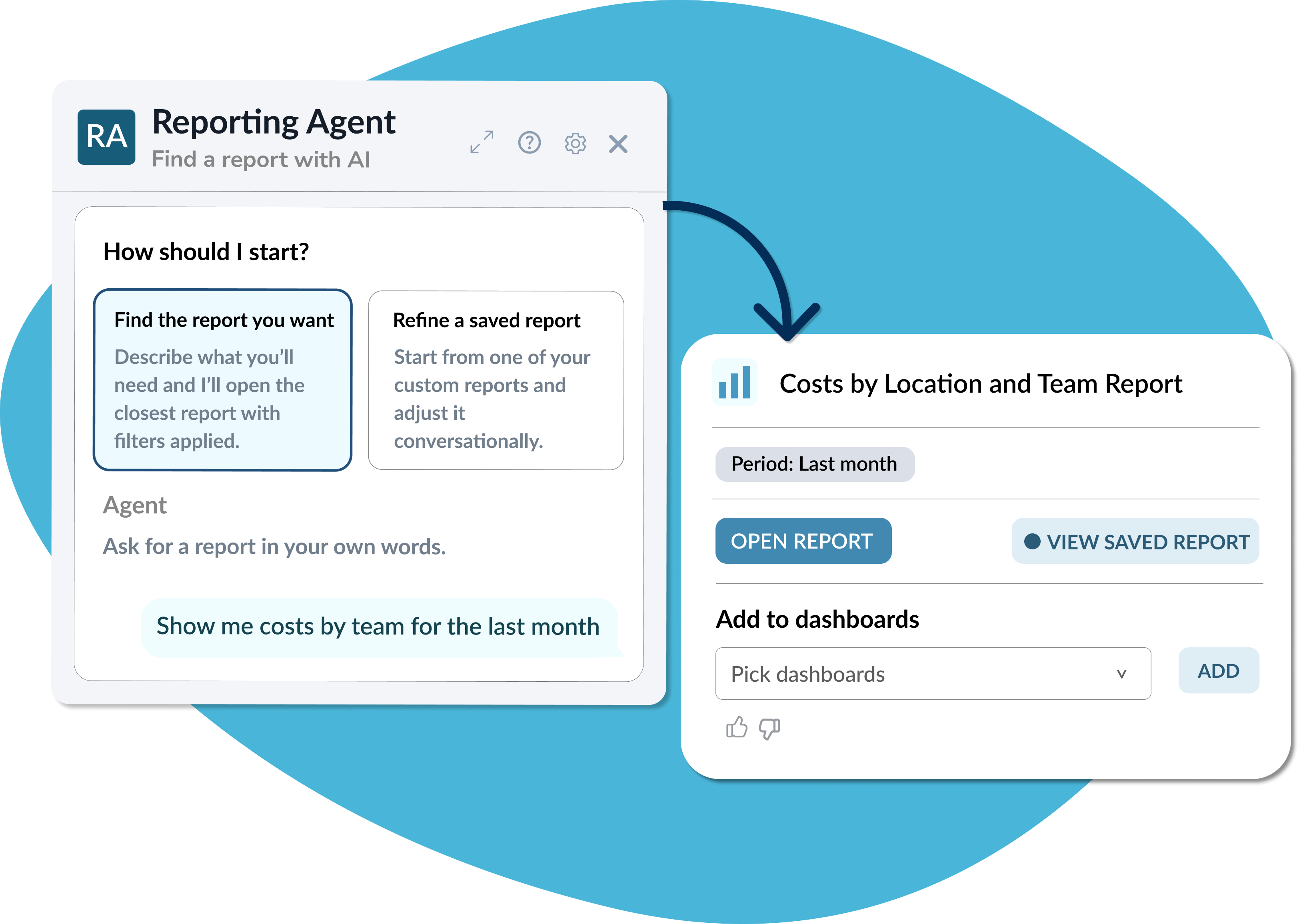


Turn questions into reports
You don’t need to know the exact report name, filter labels, or where to find it.
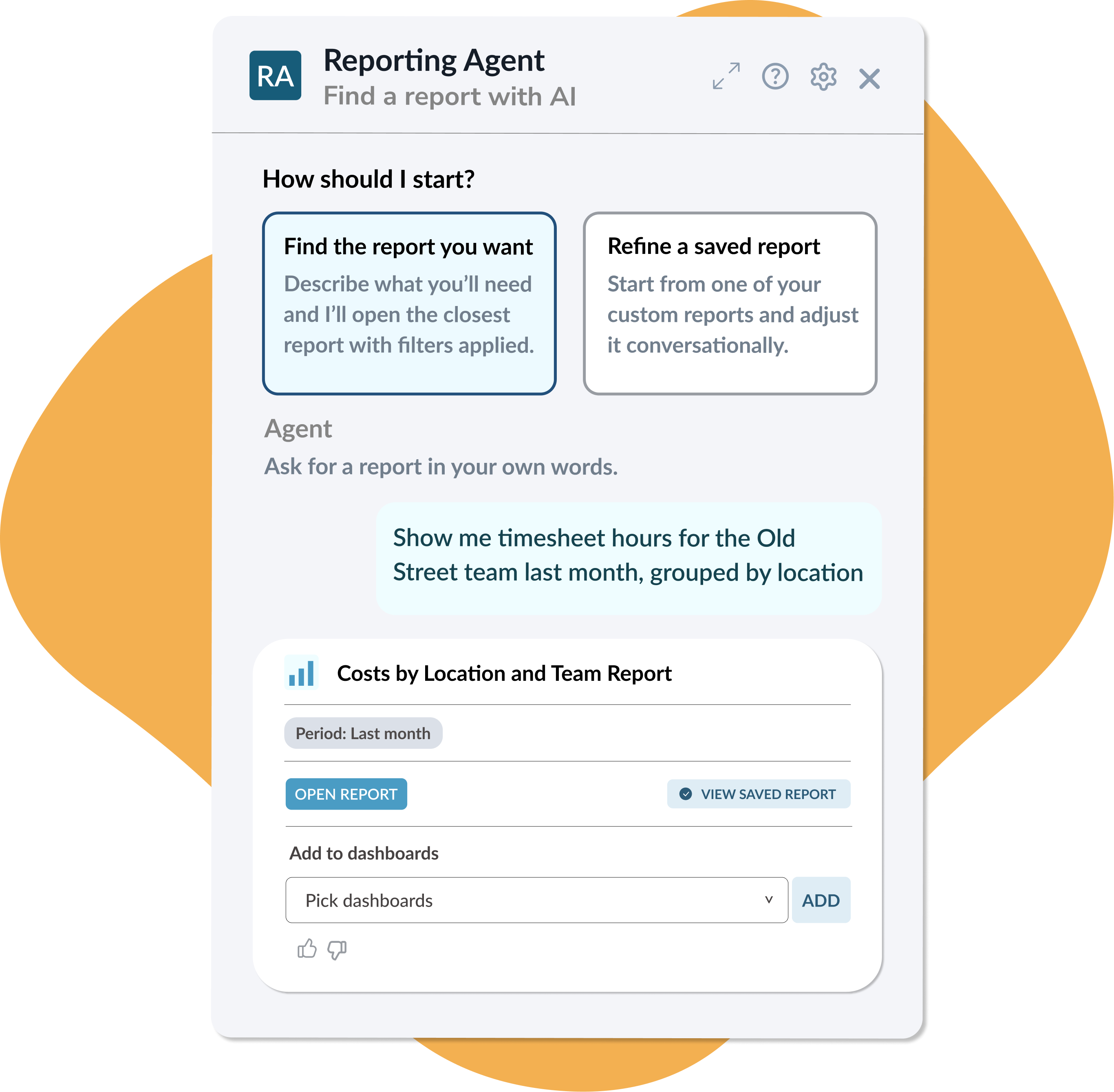
Simply describe what you’re looking for - like “Timesheet hours for the Old Street team last month, grouped by location” and the Reporting Agent searches your existing report catalog, finds the closest match, and applies the relevant filters for you.
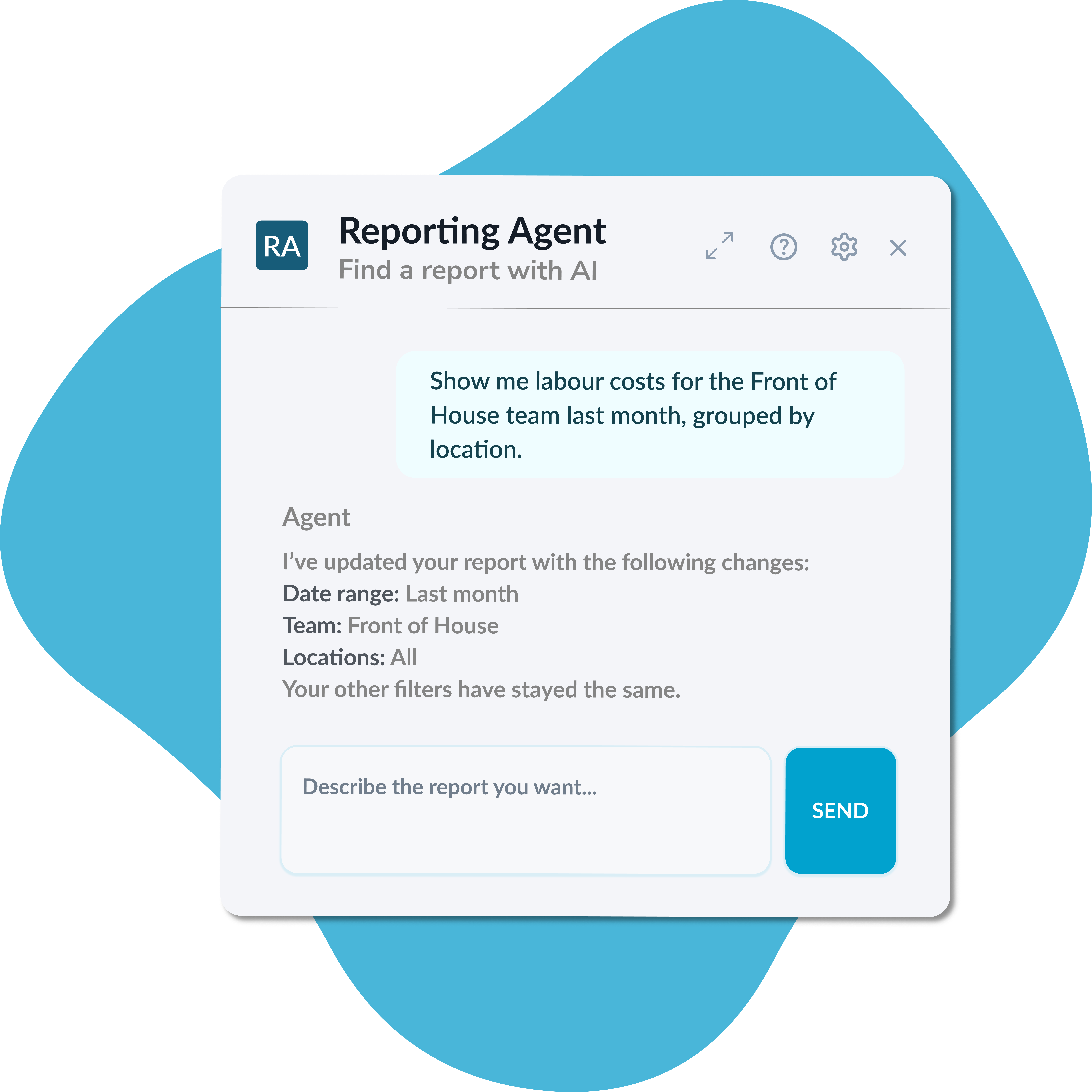
Refine reports just by asking
Need to change the date range, location, team, or grouping? Just ask. The Reporting Agent keeps the context of your conversation, so you can refine your report without starting over. If another report is a better fit, it can switch reports and carry across relevant filters. No rebuilding from scratch.
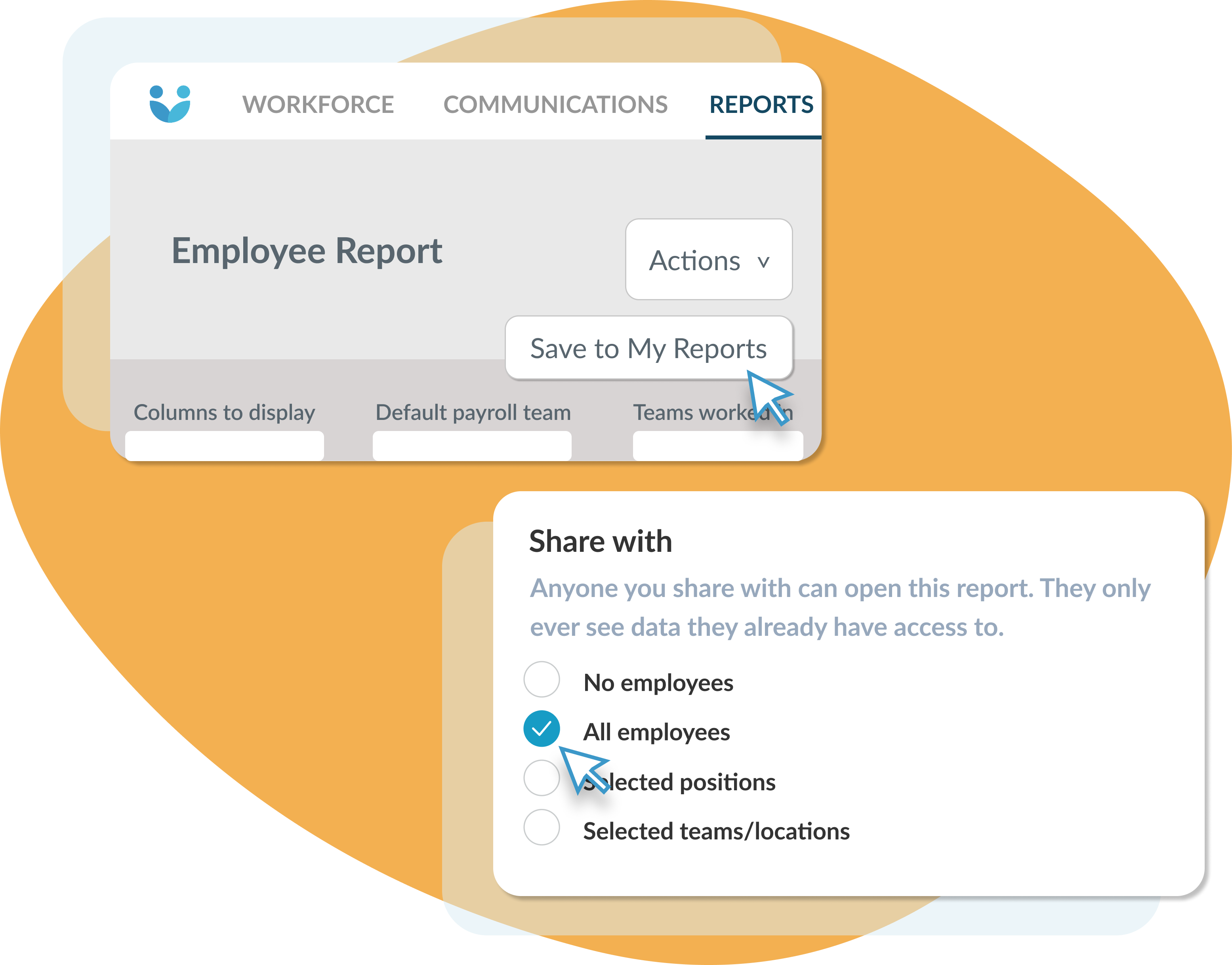
Save and share reports you’ll use again
Save the filtered report straight from the conversation and come back to it whenever you like. Refine an existing saved report, update the original, or save your changes as a new version. Then share it across your organisation, so others can access the same report setup while only seeing the data they have permission to view.
Take reports straight to your dashboard
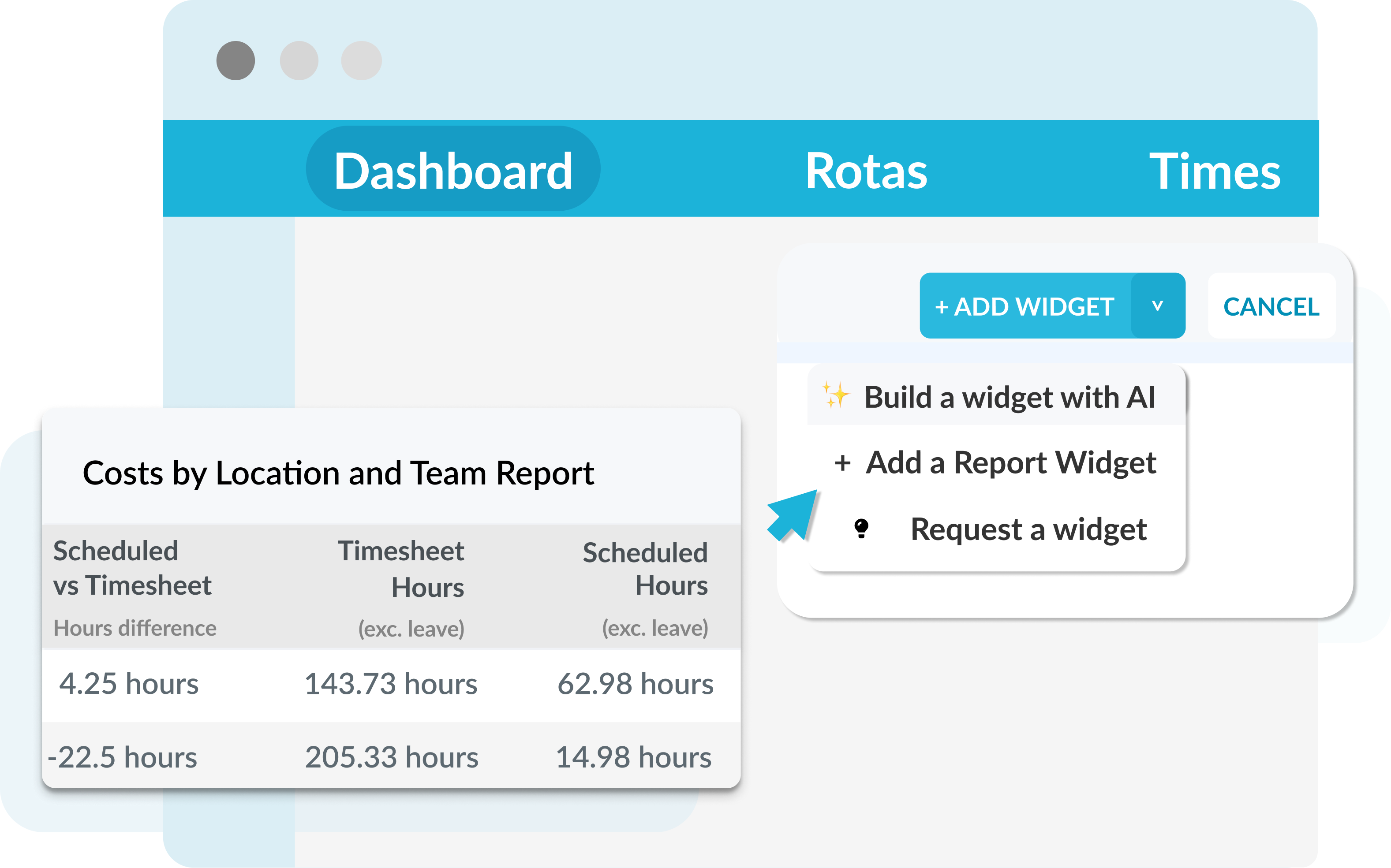
Once you’ve saved a report, add it directly to a dashboard you have permission to edit. The report becomes a dashboard widget, giving you quick access to the workforce data you need to keep an eye on. From one quick question to reporting you can keep coming back to.

Consolidate systems with Workforce.com
Get rid of multiple systems and manage HR, scheduling, and payroll in one place.


