

Trusted by over 10,000 businesses





Trusted by over 10,000 businesses
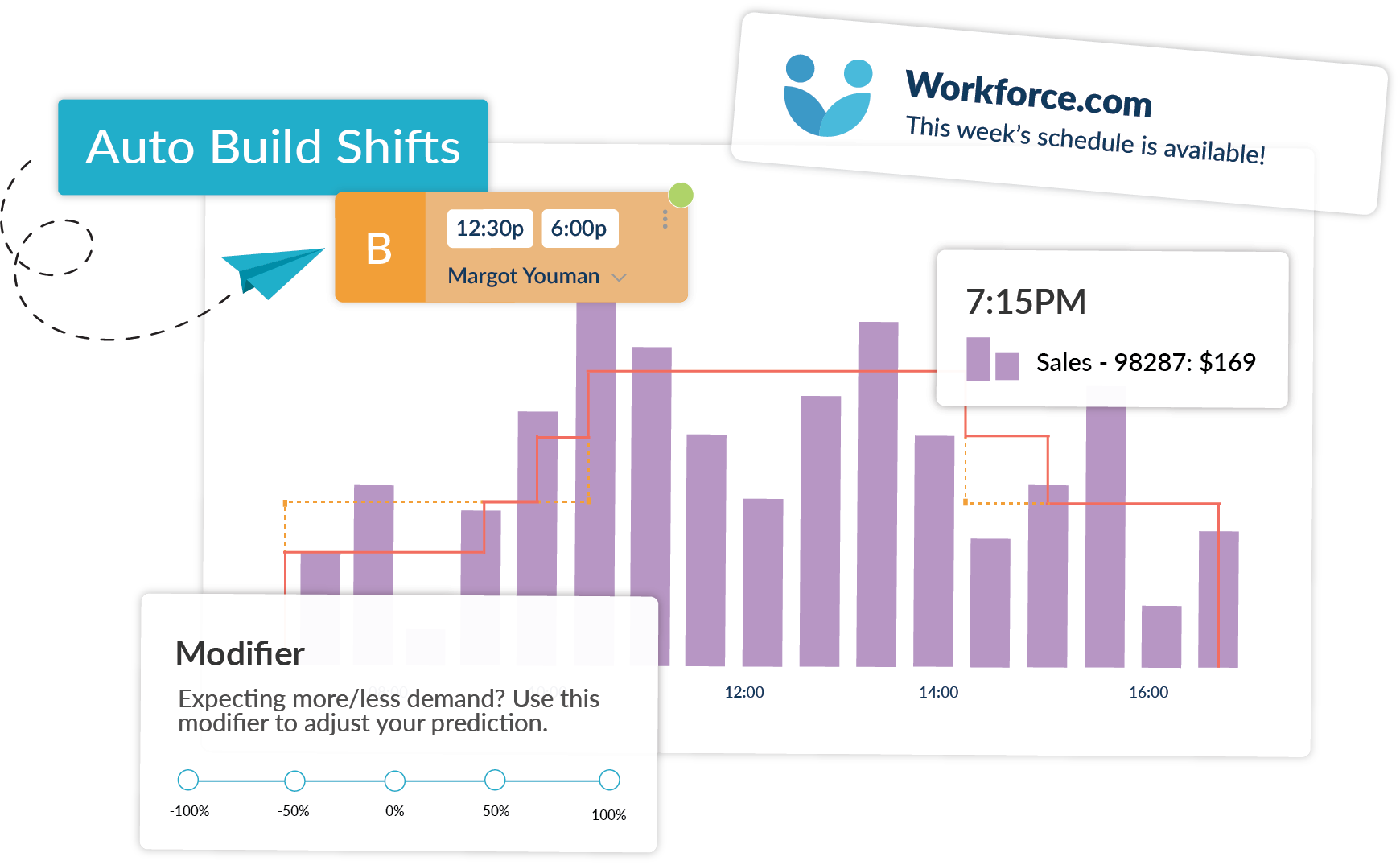
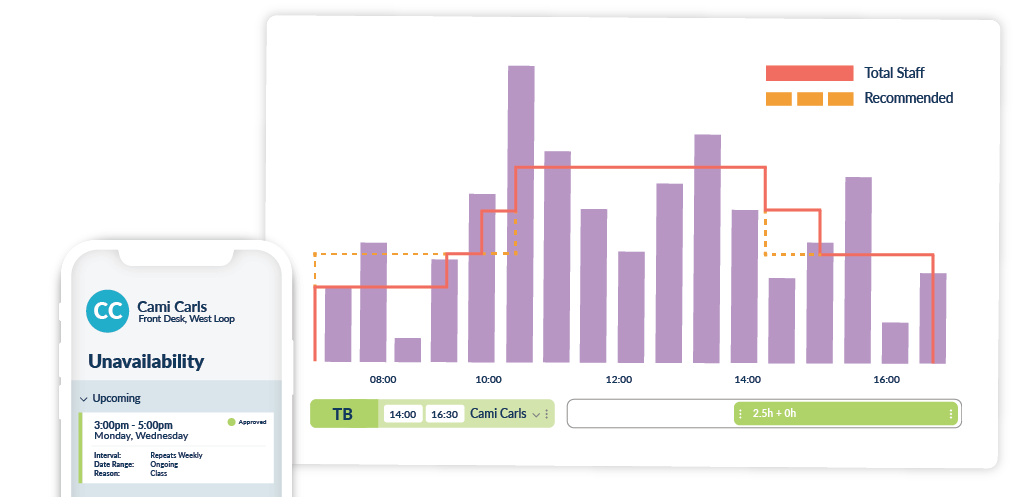
Workforce.com builds accurate forecasts based on your business’s data and automatically generates employee schedules that meet the demands of the day, week, or month.
Automated schedules are optimized for hourly rates, staff qualifications, and availability, ensuring that the right person is scheduled at the right time.
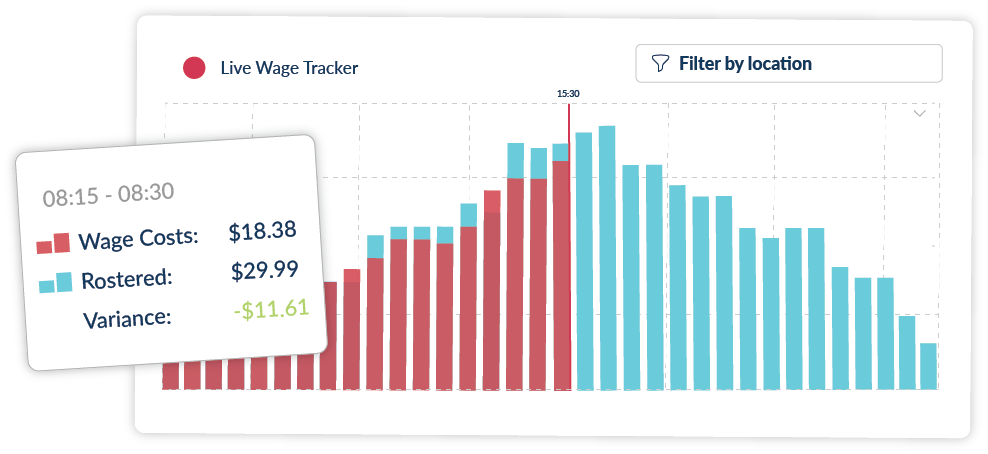
Make data-driven decisions and adjustments as the day unfolds. In one dashboard, see real-time wage cost and demand, allowing you to adjust staffing levels according to sales and operational needs.
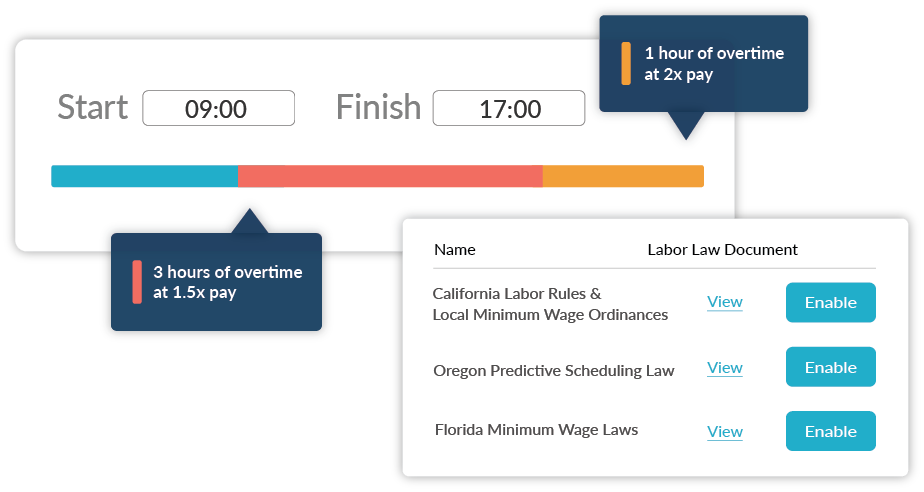
Automatically generate employee schedules that are legally compliant, according to federal, state, and local labor regulations.
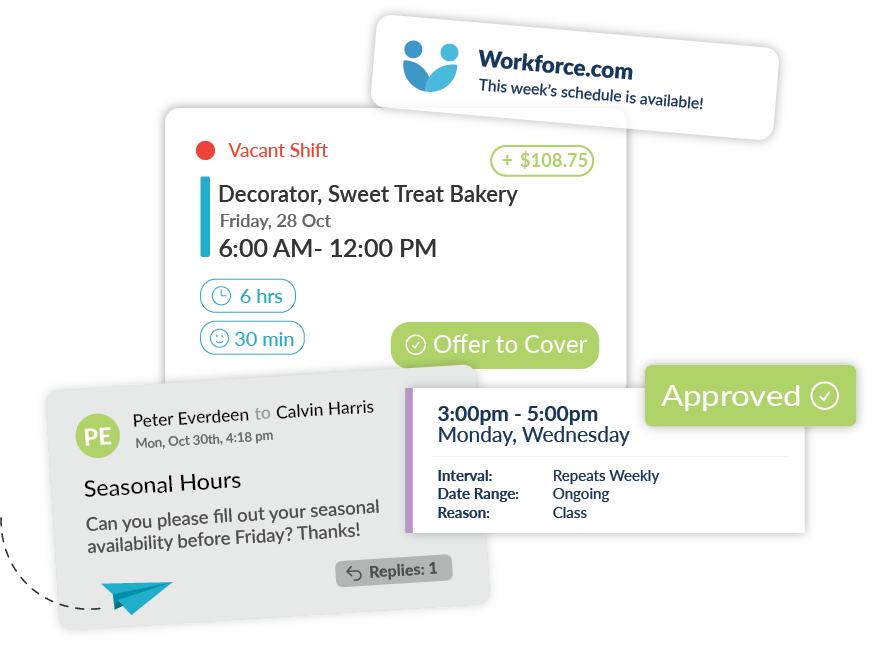
Manage your team via the Workforce.com mobile app. Communicate with employees, send schedule updates, approve leaves, and manage shift swaps whenever, wherever.
Integrate your current tools with our system for faster, more efficient workforce management operations, while providing robust scheduling & attendance for frontline teams.
— Dickie O’Reilly, Spyder Surf
Still have questions? Want to learn more? Schedule a time with one of our product specialists.
Scheduling errors usually happen because manual systems leave too much room for things to slip through the cracks. When teams rely on spreadsheets, paper schedules, or memory, it's easier to double-book employees, miss availability changes, or forget compliance rules. Last-minute call-outs and shift swaps can further complicate manual scheduling, making it difficult to keep schedules accurate and up to date.
Automated workforce scheduling helps reduce labor costs by matching staffing levels to real business demand. Instead of overstaffing "just in case," the system uses historical sales, traffic, or labor data to schedule the right number of people for each shift. It also helps reduce costly mistakes, such as unnecessary overtime or compliance errors that can lead to penalties.
Yes. Automated workforce scheduling makes it much easier to stay compliant with labor laws. Modern systems can automatically factor in overtime limits, break rules, minimum rest periods, predictive scheduling laws, and minor labor restrictions.
Most automated scheduling tools integrate with payroll, time and attendance, POS systems, HR platforms, and forecasting tools. These integrations pull in data such as sales figures, employee details, and worked hours to keep schedules accurate.
Some platforms go a step further and offer an all-in-one system that brings scheduling, time tracking, HR, and payroll together. That's often the easier option if you want to avoid switching between tools or double-checking numbers across systems.
Automated scheduling uses demand forecasting based on past data such as sales, customer traffic, or transactions. More advanced systems also factor in seasonality, promotions, and holidays. From there, the software translates those forecasts into staffing recommendations by role, skill, and time of day.
Workforce.com builds schedules by combining demand forecasts, labor budgets, employee availability, and compliance rules into one system. It uses historical sales or traffic data to predict demand, then creates schedules that meet coverage targets without blowing the labor budget. The system also accounts for skills, certifications, availability, and local labor laws, enabling managers to create compliant, cost-effective schedules in minutes rather than hours.