
Process payroll in minutes with CRA-compliant software.
Pay staff accurately and on time with automated adjustments, self-service for staff details, and incomplete timesheet reminders.

Trusted by businesses great and small










Reduce your payroll processing time
Switching to Workforce.com for your payroll will provide immediate benefits, including faster payroll processing times, improved compliance and no integration errors.
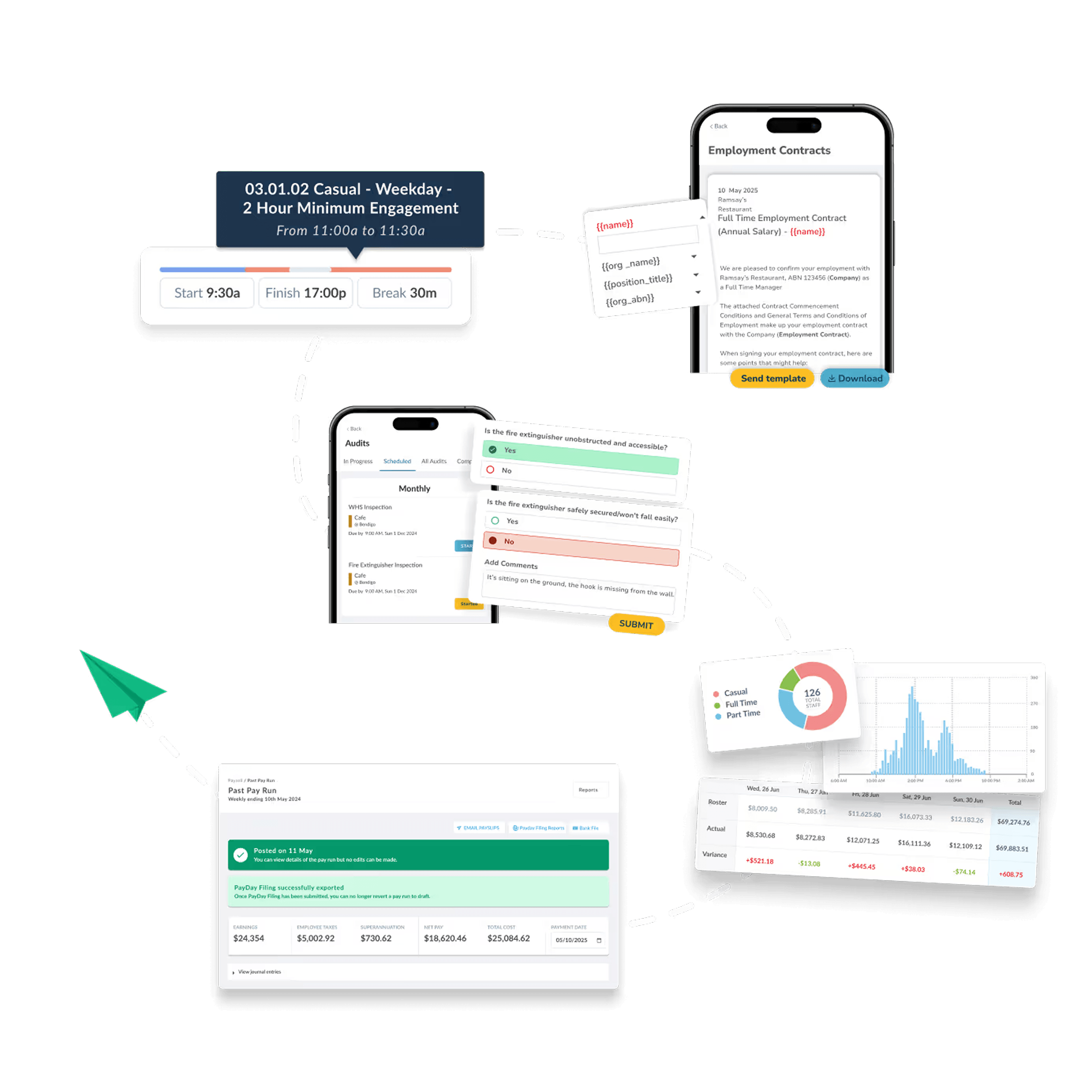
Schedule automated pay condition changes. Change staff arrangements in advance. Make variations that run smoothly on payroll day.
All your records in one place. Everything you need to build schedules, pay staff, and manage your workforce is at your fingertips, wherever you are.
Cut out the moving parts. With a single, purpose-built system, you'll take back valuable time having to connect and maintain integrations with other systems.
Comprehensive payroll solutions. Cover every aspect of your payroll process, from filing payroll remittances to managing CPP and EI contributions.
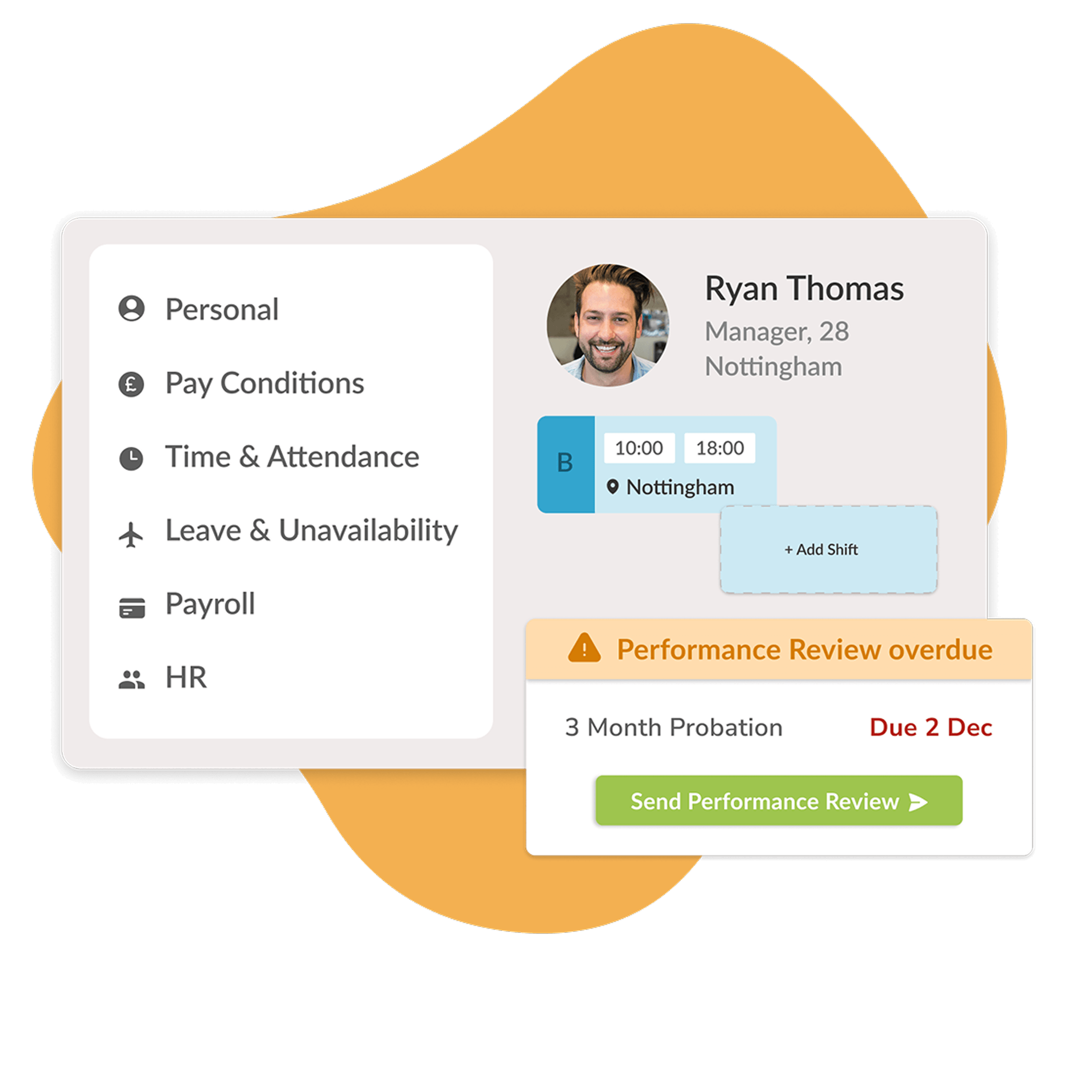
Consolidate systems with Workforce.com
Get rid of multiple systems and manage HR, scheduling, and payroll in one place.




“Being able to pull accurate timesheets and reports allows us to quickly process payroll – the speed at which we're able to do things now is so much better.”

Frequently Asked Questions
Can I manage multiple locations in Workforce.com?
Yes. Workforce.com is built to handle businesses with multiple locations. You can set up as many locations as you need, each with their own teams, schedules, and time clocks - all managed from a single account.
Managers get a live view of who is clocked in across every location, with real-time attendance, wage costs, and timesheet data visible in one place. You can filter reporting by location to track labour costs and identify issues site by site.
Employees can be assigned to one or multiple locations, and if they work across sites in a pay period, Workforce.com automatically tracks their hours and calculates pay correctly across all locations.
For Canadian businesses operating across multiple provinces, this is particularly useful - each location can be configured to reflect the employment standards rules that apply in that province.
Can I use Workforce.com’s attendance solution to schedule my staff
Yes - and the two work best when used together.
The time and attendance module on its own focuses on recording hours - tracking clock-ins, clock-outs, breaks, and generating payroll-ready timesheets. Scheduling is a separate but fully connected module within the same platform.
When you pair them together, scheduled shifts feed directly into time and attendance, so the system can automatically compare what was planned against what actually happened. This gives managers real-time visibility into wage and hour variances, attendance patterns, and overtime risks - all in one place, with no manual data entry between systems.
You can build schedules using drag-and-drop templates, auto-scheduling, or demand forecasting based on historical data. Staff are notified of their shifts via the mobile app and can request time off, swap shifts, and view their schedules from their phone.
For Canadian businesses, the scheduling module also automatically applies provincial rules around minimum hours between shifts, rest periods, and maximum weekly hours - so every schedule you publish is compliant from the start.
Can time and attendance staffing and scheduling reduce time theft?
Yes. Time theft is one of the most common hidden costs for businesses with hourly employees, and Workforce.com is built to close the loopholes that allow it to happen.
Selfie clock-ins and unique passcodes make buddy punching virtually impossible - only the right person can clock in for their own shift. GPS tracking and geofencing verify that employees are physically at their designated worksite when they punch in, which is particularly useful for businesses with staff working across multiple locations or out in the field.
Break tracking ensures employees clock out and back in for breaks, preventing unauthorised extended breaks from going unnoticed. And because scheduled hours are compared against actual punch times in real time, managers can spot and address discrepancies before they reach payroll.
Together, these controls mean you are only paying for the hours your employees actually worked.
Consolidate systems with Workforce.com
Get rid of multiple systems and manage HR, scheduling, and payroll in one place.